Charged weekly by a video compressor app on iPhone? How to cancel, get a refund and avoid it next time
Published 15 November 2026 · 5 min read
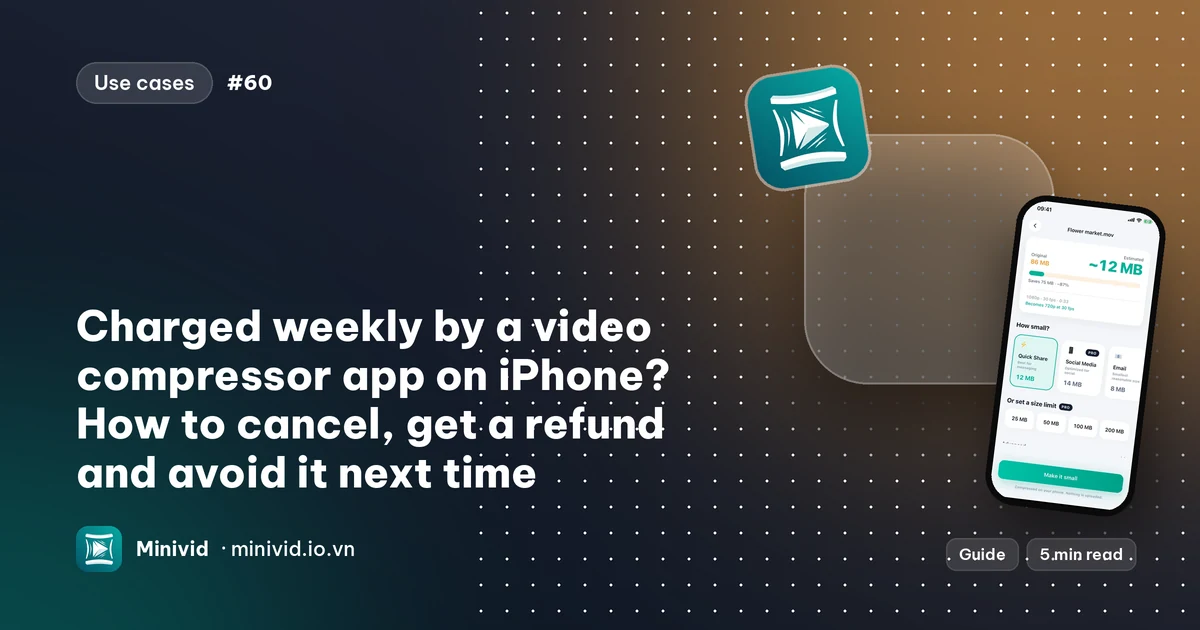
To stop a video compressor from charging you, cancel the subscription in Settings on your iPhone: tap your name, then Subscriptions, pick the app and choose Cancel Subscription. Deleting the app does not cancel it. If you are on a free trial, cancel at least 24 hours before it ends, and you generally keep access until the trial or paid period runs out.
This guide covers finding the charge, cancelling, asking Apple for a refund, and how to recognise a weekly plan before you pay. The first three parts work for any app. It also says what Minivid, an iPhone app that compresses video on the phone itself, charges and does not charge for.
How do I find which app is charging me?
Apple bills subscriptions to your Apple Account, so the charge on your card often shows only “Apple” plus an app or developer name that you may not recognise.
- On the iPhone, open Settings, tap your name at the top, then tap Subscriptions. Active and expired subscriptions are listed. The exact wording and layout vary a little between iOS versions.
- Check your email for receipts from Apple. Each one names the app, the plan and the renewal period.
- If nothing is listed, the subscription may be on a different Apple Account (a second email you once used), or on a family member’s account if you share purchases. Sign in with the other account and look there.
How do I cancel the subscription on iPhone?
- 1Open Settings, tap your name, then Subscriptions.
- 2Tap the app’s subscription.
- 3Tap Cancel Subscription (or Cancel Free Trial) and confirm.
If there is no cancel button and you see a line such as “Expires on…”, the subscription is already cancelled and will simply end on that date.
Deleting the app does not cancel anything. The subscription belongs to your Apple Account, not to the app on your Home Screen, so it keeps renewing until you cancel it as above.
If the subscription came through Family Sharing, the family organiser has to cancel it, because they are the one who pays.
How do I cancel a free trial without being charged?
A trial turns into a paid plan on its last day unless you cancel first. Apple’s guidance is to cancel at least 24 hours before the trial ends. Cancelling early normally does not cost you the rest of the trial: you keep access until it ends.
A practical habit: the moment you start a trial, open Settings, Subscriptions and cancel it straight away, then keep using the trial. Put a reminder in your calendar in case you decide to keep the app.
If you used a trial for the same app before, a second sign-up is usually charged straight away, so read the price on the confirmation sheet before you double-click.
Can I get a refund?
Apple, not the app’s developer, handles refunds for App Store purchases. Go to reportaproblem.apple.com, sign in with the Apple Account that was charged, choose I’d like to… then Request a refund, pick the charge and give a reason. You can also reach it from the Apple receipt email.
Apple decides each request, and there is no guarantee. A request is more likely to be read sympathetically when it is prompt, when you did not use the app, and when the charge was one you did not expect. Contact Apple before disputing the payment with your bank, so the order can be checked first.
How do I spot a weekly plan before I pay?
Many video compressors on the App Store are sold as weekly subscriptions. A weekly price looks small, but it repeats every seven days, so over a year it adds up to far more than the same app sold monthly, yearly or once. Before you tap Continue:
- Read the line under the button. It must state the price and the period, such as “per week”, “per month” or “per year”, and whether it renews automatically.
- Open the App Store page and look at In-App Purchases near the bottom. A list that names weekly plans is a warning.
- Be wary of a screen that asks for payment before you have seen the result, or that makes the close button tiny.
- Prefer an app where the free version does a real job, so you can judge the result before any commitment. Our guide on free video compressors without a watermark lists what to check.
What does Minivid charge, and what is free?
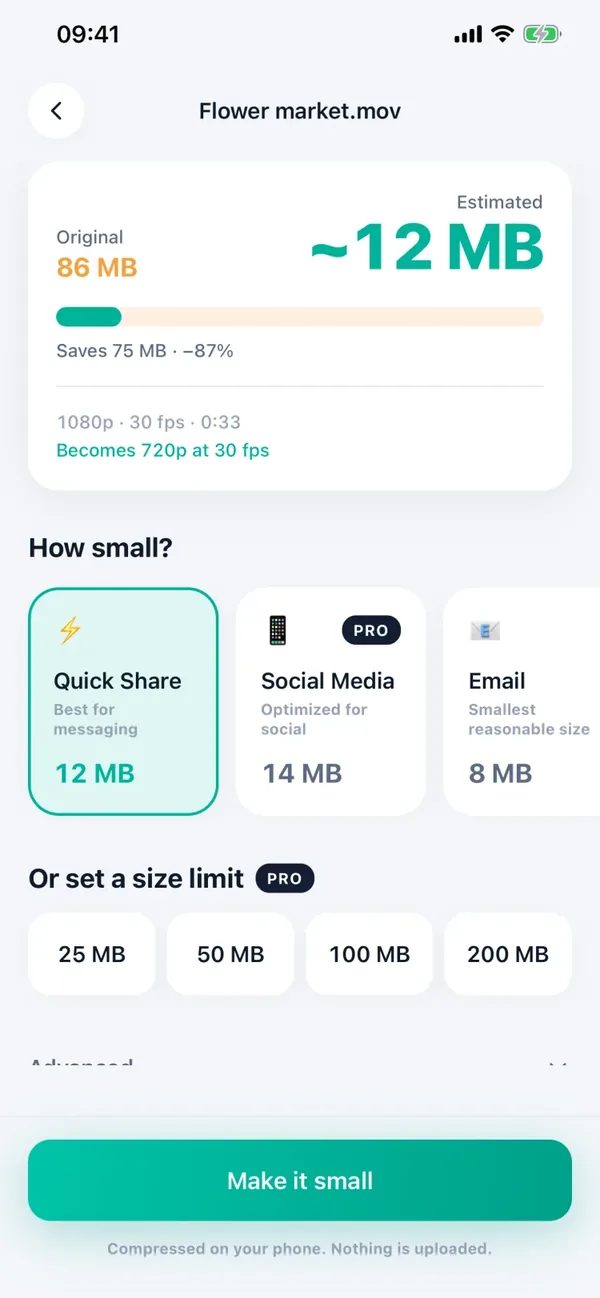
Minivid’s free version has no ads and needs no account or card. It compresses one video at a time, up to 100 MB, at up to 720p, and shows the size the result will have before you start.
Pro is sold monthly, yearly or as a one-time lifetime purchase. There is no weekly plan. When the yearly plan includes a free trial, the purchase screen says so, shows a timeline of when billing starts, and offers a reminder before the trial ends if you allow notifications. The lifetime purchase is paid once and is not a subscription. If you already bought Pro, the Restore purchases button on the Pro screen brings it back on a new phone.
Minivid never takes payment itself: purchases go through the App Store, so you cancel in Settings, Subscriptions, exactly as above. Compression happens on your iPhone and the video is not uploaded.
Frequently asked questions
Does deleting the app cancel the subscription?
No. The subscription belongs to your Apple Account. Cancel it in Settings, tap your name, then Subscriptions.
When should I cancel a free trial?
At least 24 hours before it ends, per Apple’s guidance. Cancelling early normally lets you keep access until the trial finishes.
How do I ask Apple for a refund for an app subscription?
Go to reportaproblem.apple.com, sign in with the Apple Account that was charged, choose Request a refund and pick the charge. Apple decides each request.
I cannot find the subscription in Settings. Where is it?
It may be on another Apple Account, or on a family member’s account if you share purchases. Check your email for Apple receipts to see which account was charged.
Does Minivid have a weekly plan?
No. Pro is monthly, yearly or a one-time lifetime purchase, and the free version has no ads and needs no card.
Want to know the size before you compress?
Minivid compresses video on your iPhone and shows the final size before it starts. Your videos are never uploaded.